Everything a player should do.
Six things Kiplay does exceptionally well — shown with real screenshots of the app.
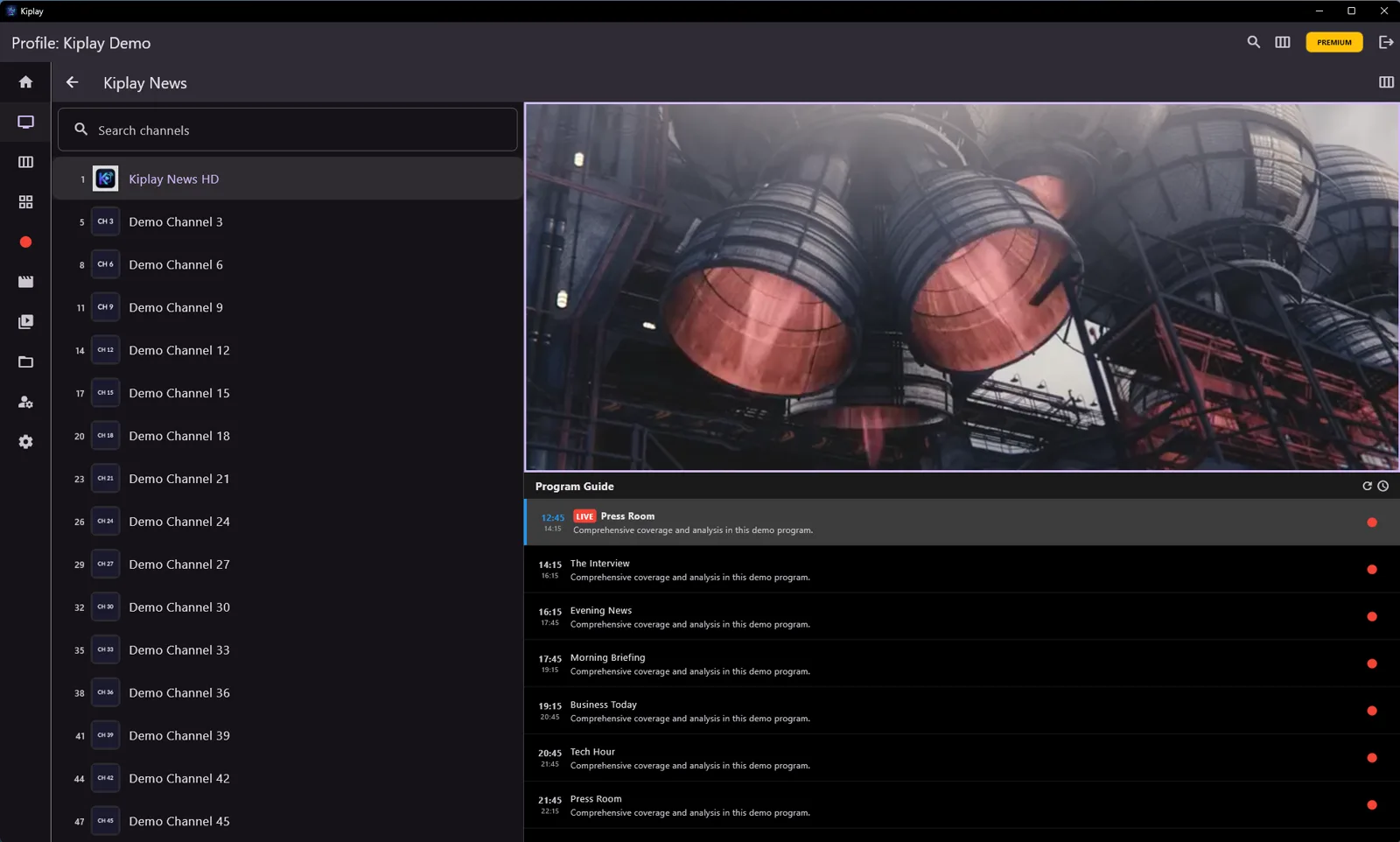
Live TV, done right
Connect any Xtream Codes provider or M3U playlist and start zapping. The split-screen layout keeps the channel list, the picture, and the programme guide on one screen — no digging through menus.
- Xtream Codes API & M3U playlists
- Programme guide with catchup replay under the player
- Favorites, parental control, and global search
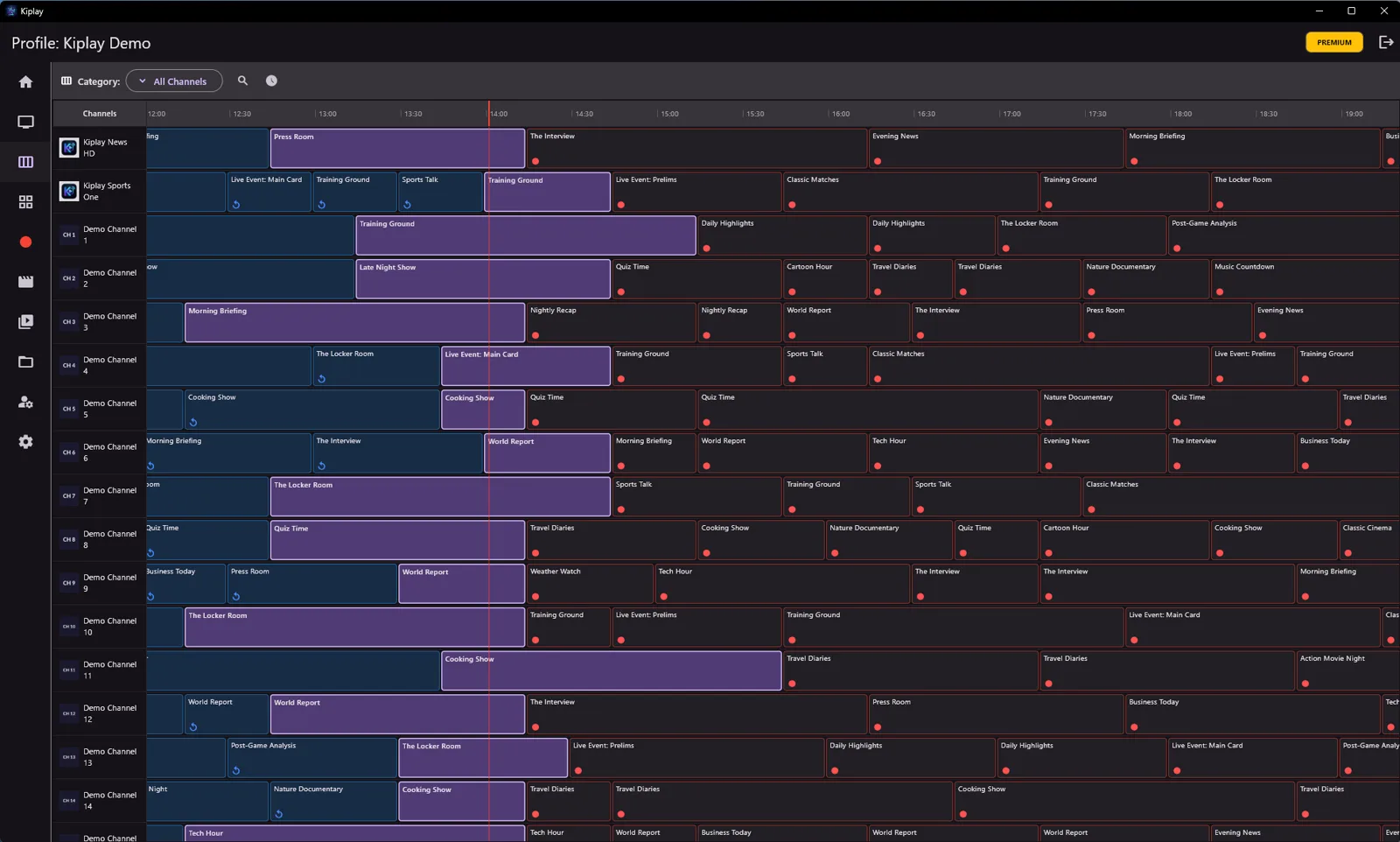
The whole evening at a glance
A full grid guide across every channel. Kiplay pulls EPG from multiple sources — Xtream tables or XMLTV feeds — so the guide fills up no matter what your provider offers.
- Full-screen grid with a live now-line
- Tap past programmes to replay or download their catchup
- Schedule a recording straight from any programme
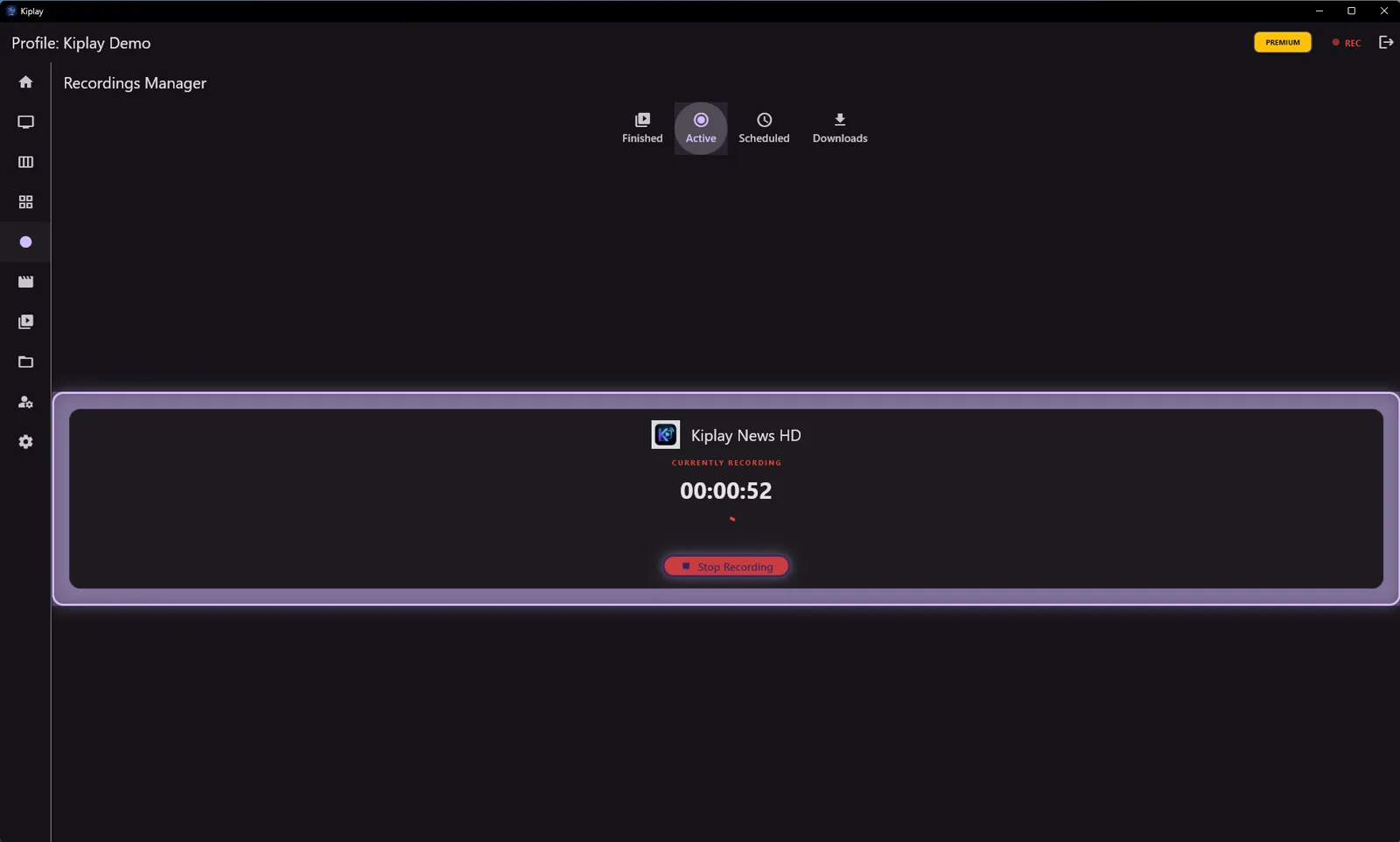
Your personal DVR
Record live TV with one click, or schedule it by date, time and duration. Recordings are saved as standard .ts files to your disk — or straight to your NAS over SMB.
- Instant or scheduled recordings
- Save to local disk or NAS/SMB share
- Manager for finished, active and scheduled recordings
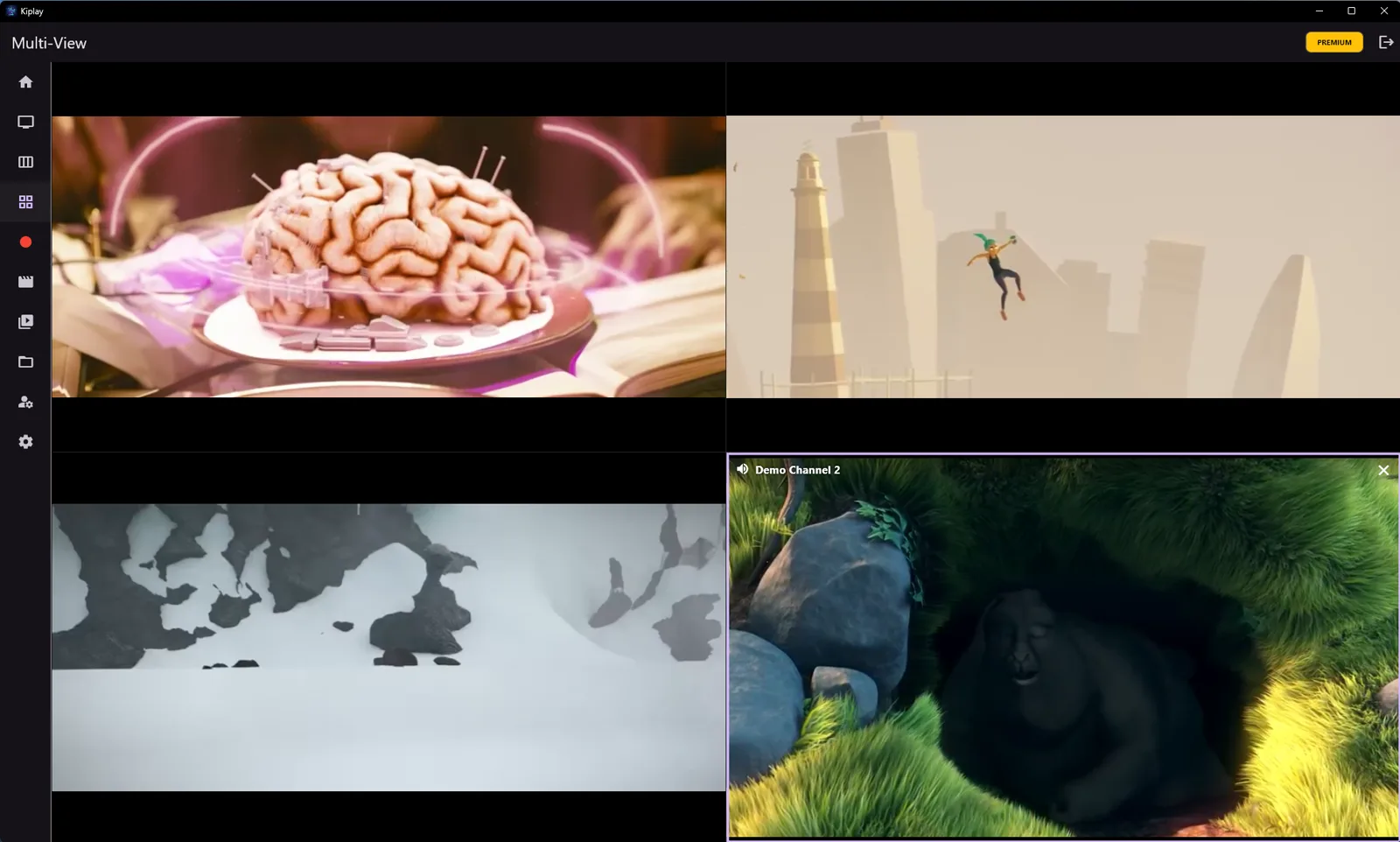
Four screens. One glance.
Match day? News day? Watch up to four live streams side by side. Tap any tile to hear it, double-tap to go fullscreen — Kiplay respects your provider's connection limit automatically.
- Up to 4 simultaneous live streams
- Tap to switch audio focus between tiles
- Provider connection-limit aware
Bring your own library
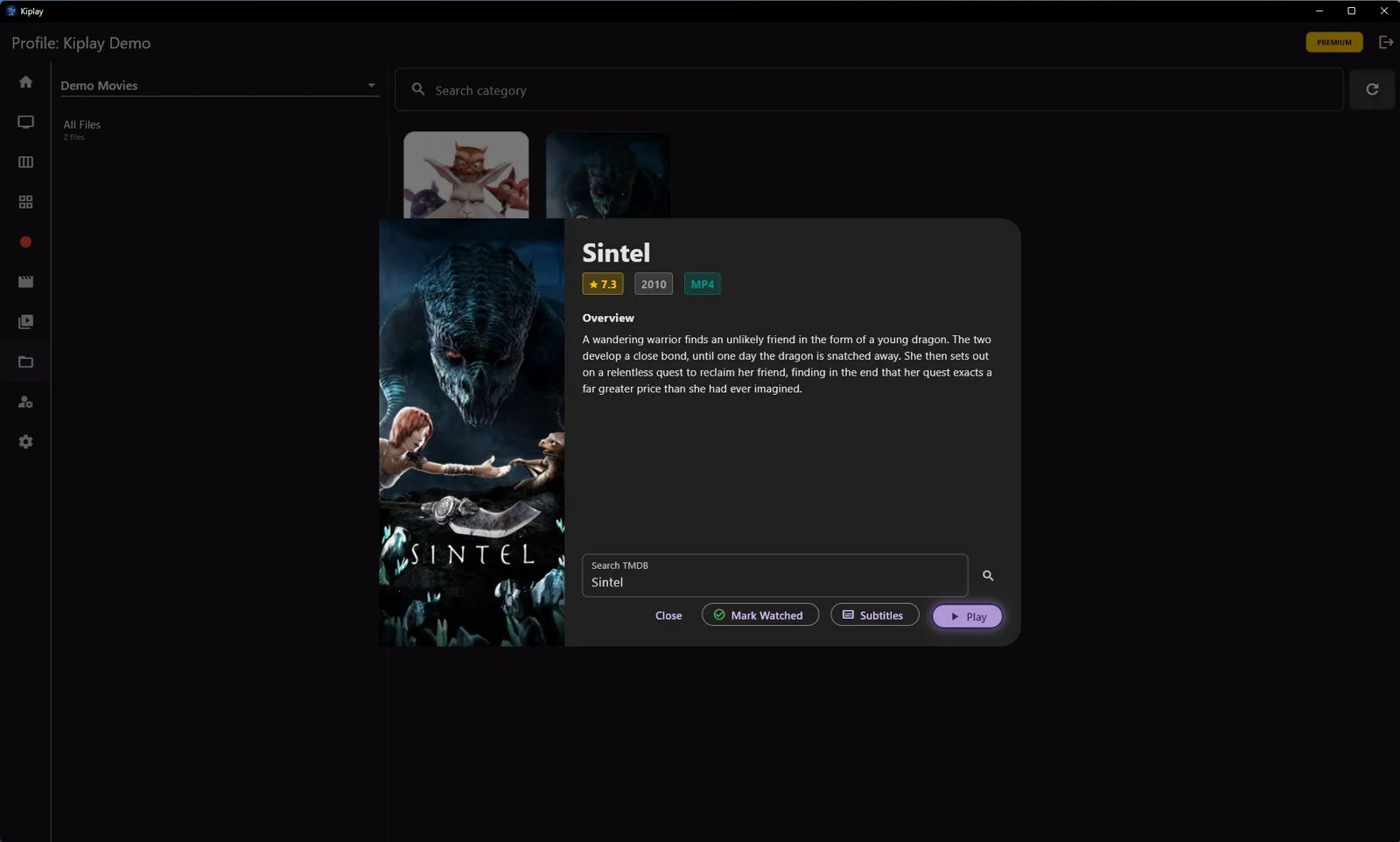
Point Kiplay at your movie folders — on the device or on your NAS — and it turns them into a proper library with posters, plots and ratings from TMDB, plus subtitle search built in.
- Local folders and SMB/NAS network shares
- Automatic TMDB posters & metadata
- Subtitle search and download (OpenSubtitles)
Binge-ready, resume-smart
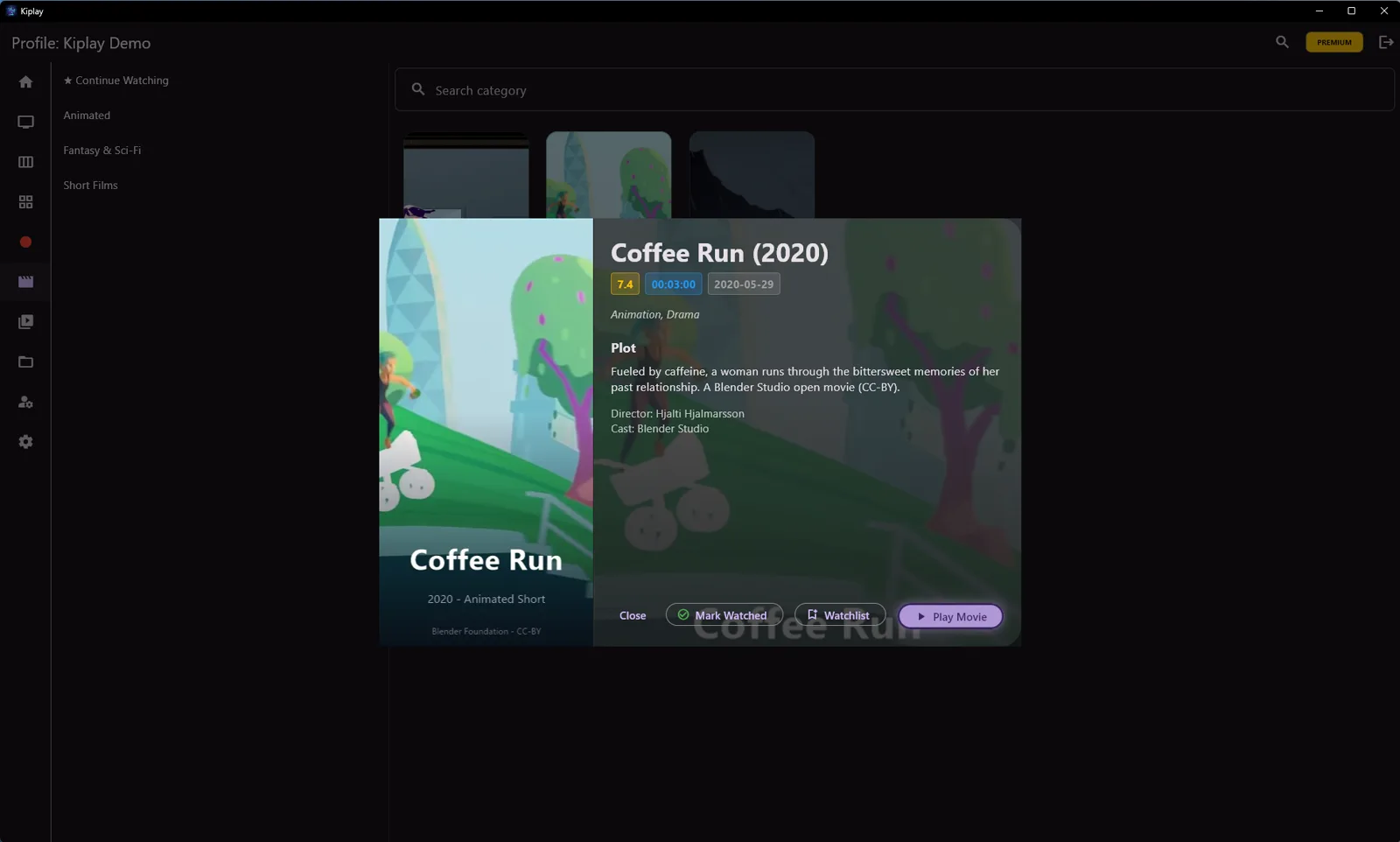
Your provider's full VOD catalogue with posters and details, season and episode pickers for series, and a Continue Watching row that remembers exactly where you stopped.
- Posters, plots, ratings and cast details
- Continue Watching across movies and episodes
- Auto-play the next episode
And a lot more in the box.
Multiple profiles
Separate providers, favorites and settings per profile.
Parental control
Lock categories behind a secure PIN.
Nested favorites
Organise channels into your own folder structure.
Global search
Search your whole channel list at once, plus movies and series.
4K/HDR playback
Hardware-accelerated MPV engine, ExoPlayer option on Android.
Picture-in-Picture
Keep watching in a floating window on Android.
Catchup downloads
Save past programmes for offline viewing.
TV-remote friendly
Full D-Pad and keyboard navigation, made for the couch.
Privacy first
No tracking, no analytics. Credentials stay on your device.
Dark by design
An immersive dark UI, easy on the eyes in a dim room.
Last-channel flip
Jump back to the channel you just watched — one tap or Backspace.
Keyboard shortcuts
Space to pause, F for fullscreen, M to mute — the classics all work.
Always on Top
Pin the window over your work on desktop.
Full player controls
Playback speed, audio & subtitle tracks, aspect ratio.
Favorites backup
Export and import your favorites as JSON.
A closer look.

Ready when you are.
Kiplay runs on Windows, Android phones and tablets, and Android TV.